In order to determine which item is a DSV item, do the following:
- Go to the Shopify Admin for the respective store.
- Go to Products
- Search for the item
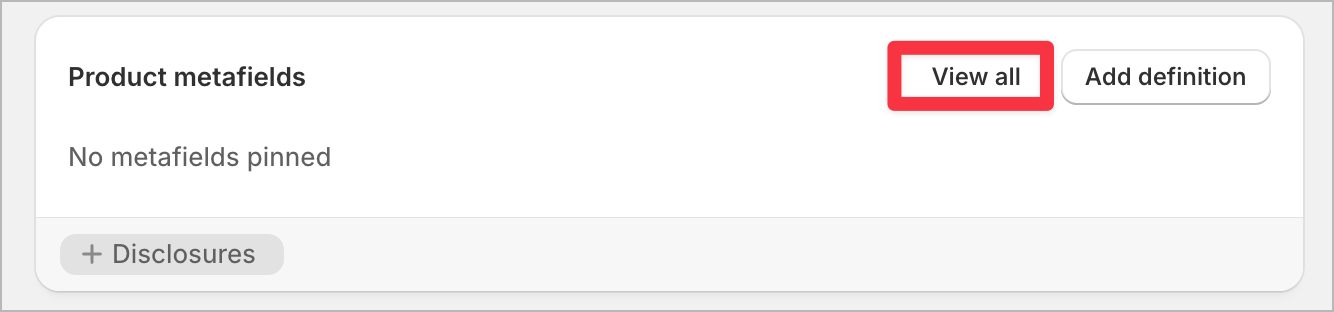
- Click on the product and then go to Product Metafields and click on 'View All'
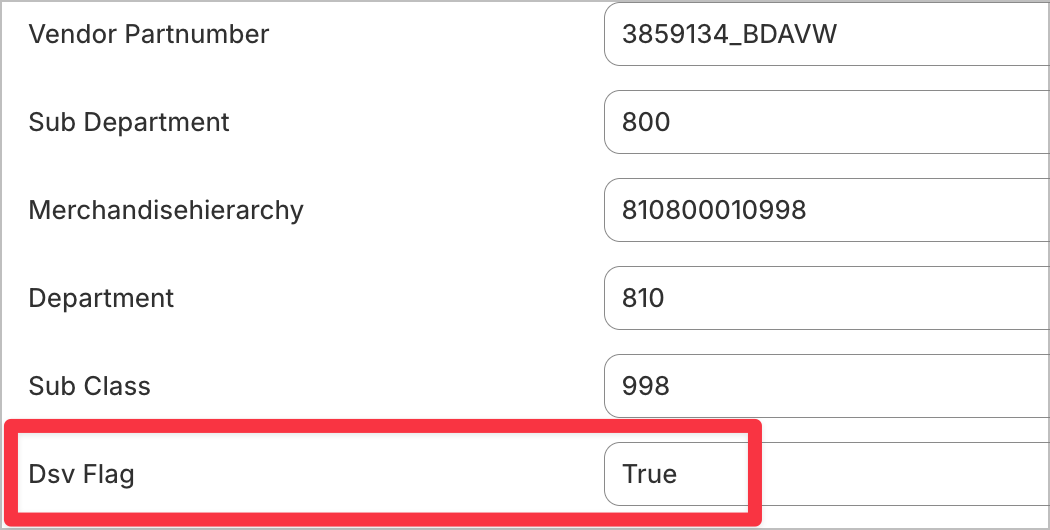
- Verify if DSV Flag = True or False for ESD Flag = True