When a desired course material term does not display on Shopify, do the following.
- Go to Shopify Admin
- Go to Metaobjects
- Look at the specific metaobject to ensure that it is a) present and b) enabled
- If it is NOT - then assign the ticket to Sandeep
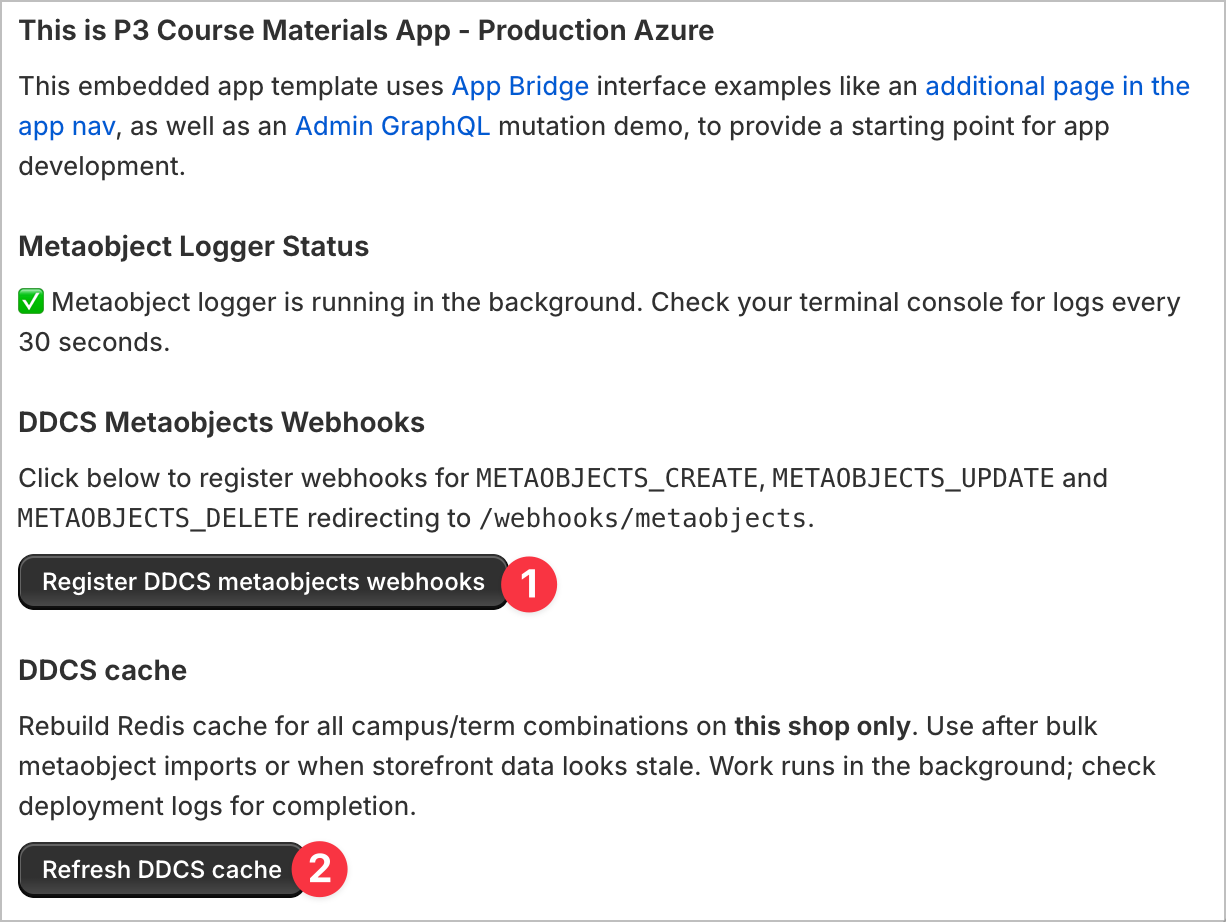
- If it is, then go to Apps > [P3] Course Materials and click on 1 and 2 below.
- Validate if it is appearing. If not, assign to Sandeep.