- To enable dump SKUs, enable that the [P3] Item Lookup tool is installed.
- If the app is installed, go to app > [P3] Item Lookup
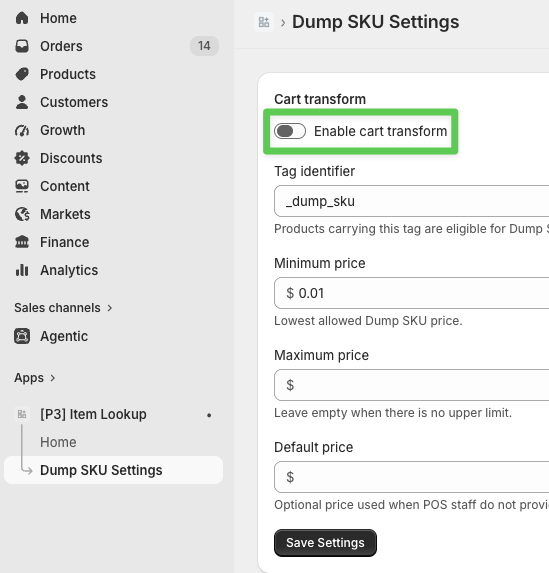
- Go to the dump SKU setting and enable the toggle
- Go to apps > Flow
- Ensure the [P3] Auto-tag dump SKUs v2.0 is installed and turned ON. If you do not have access to this flow, please reach out to the P3 team.